Getting started
Message a business
Start a private chat with a local business, get answers in writing, and keep the whole conversation in one place.

Start here
Ask directly, skip the phone tag
Start here
Ask directly, skip the phone tag
Some questions are too specific for a listing page: Can you cater for forty? Do you have a table Friday? Is this room free in June? Messaging lets you ask the business directly and keep the answer in writing, so you can come back to it when you're deciding.
01 · Find who you need
Two ways to find the right business
01 · Find who you need
Two ways to find the right business
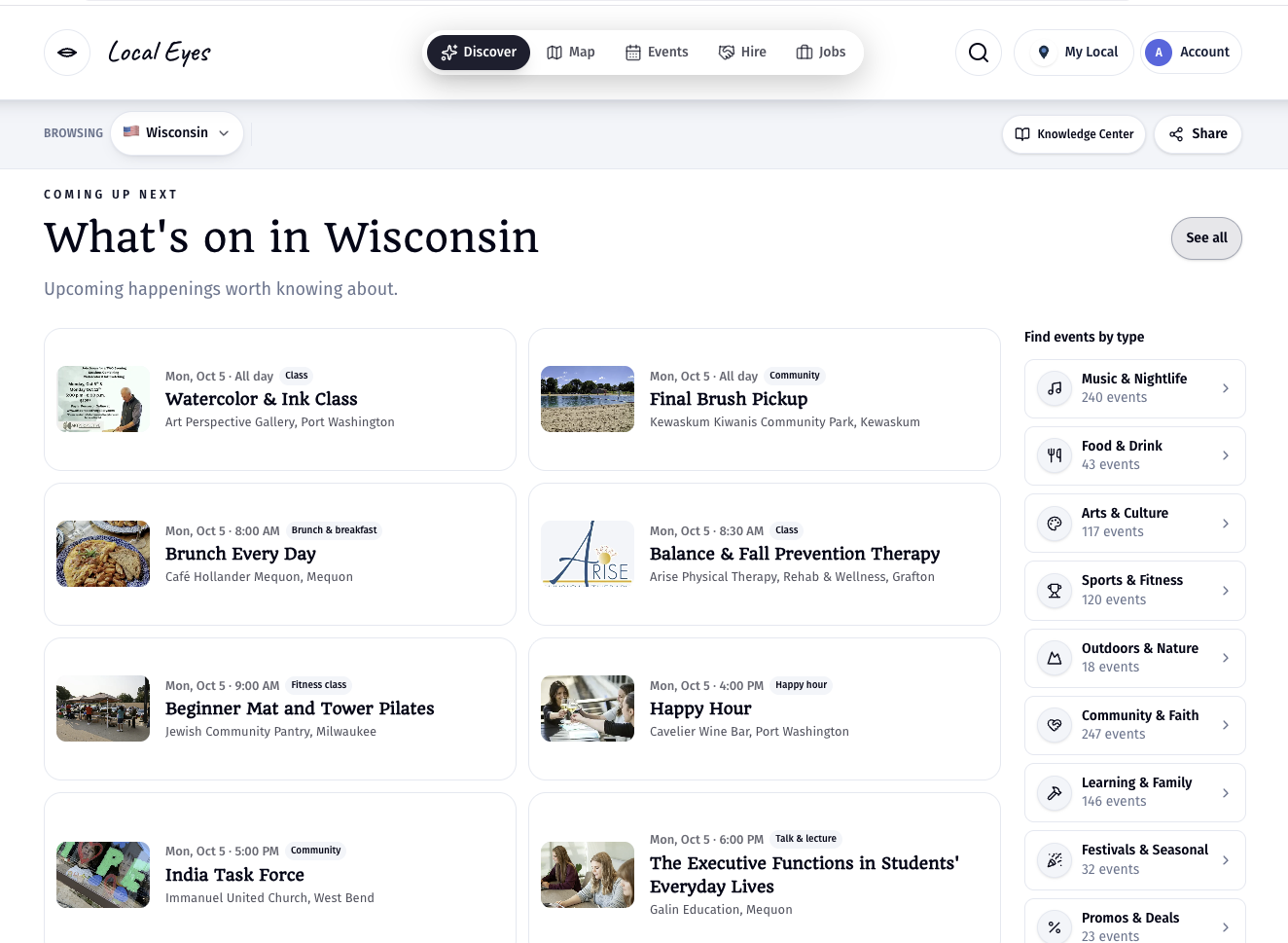
Open Hire from the menu at the top of any page. There are two ways to find who you need. Browse: choose a town or an interest, and you'll see every business there that takes messages, grouped by what they do. Search: already know who you want? Type the name in the search box to search every town at once. Your conversations stay in Chats on the left, and the plus button starts a new one.
- 1Open HireHire is in the main menu on every page, on computer and phone.
- 2Pick a town or searchChoose a town or interest to browse, or search a business name across every town.
Can't find a business in Hire? Only businesses that have claimed their listing can take messages. For anyone else, use the phone number, email or website on their listing.
02 · Start the conversation
Your first message opens a private chat
02 · Start the conversation
Your first message opens a private chat
Tap the business, write what you need, and send. That first message opens a private conversation between you and the business, and it stays in Hire so you can pick it up any time.
03 · Getting an answer
Replies land in the chat and in your inbox
03 · Getting an answer
Replies land in the chat and in your inbox
When the business replies, the answer appears in your chat, and you also get an email so you don't miss it. Bear in mind these are real people running small businesses, often replying between customers, so please be patient if the answer takes a little while.
04 · Coming soon
One request, several businesses
04 · Coming soon
One request, several businesses
Soon you will be able to send one request to several businesses in a town at once, for example asking every caterer in town about the same date. For now, start a chat with each business you want to hear from.
For businesses
It's on once you claim
For businesses
It's on once you claim
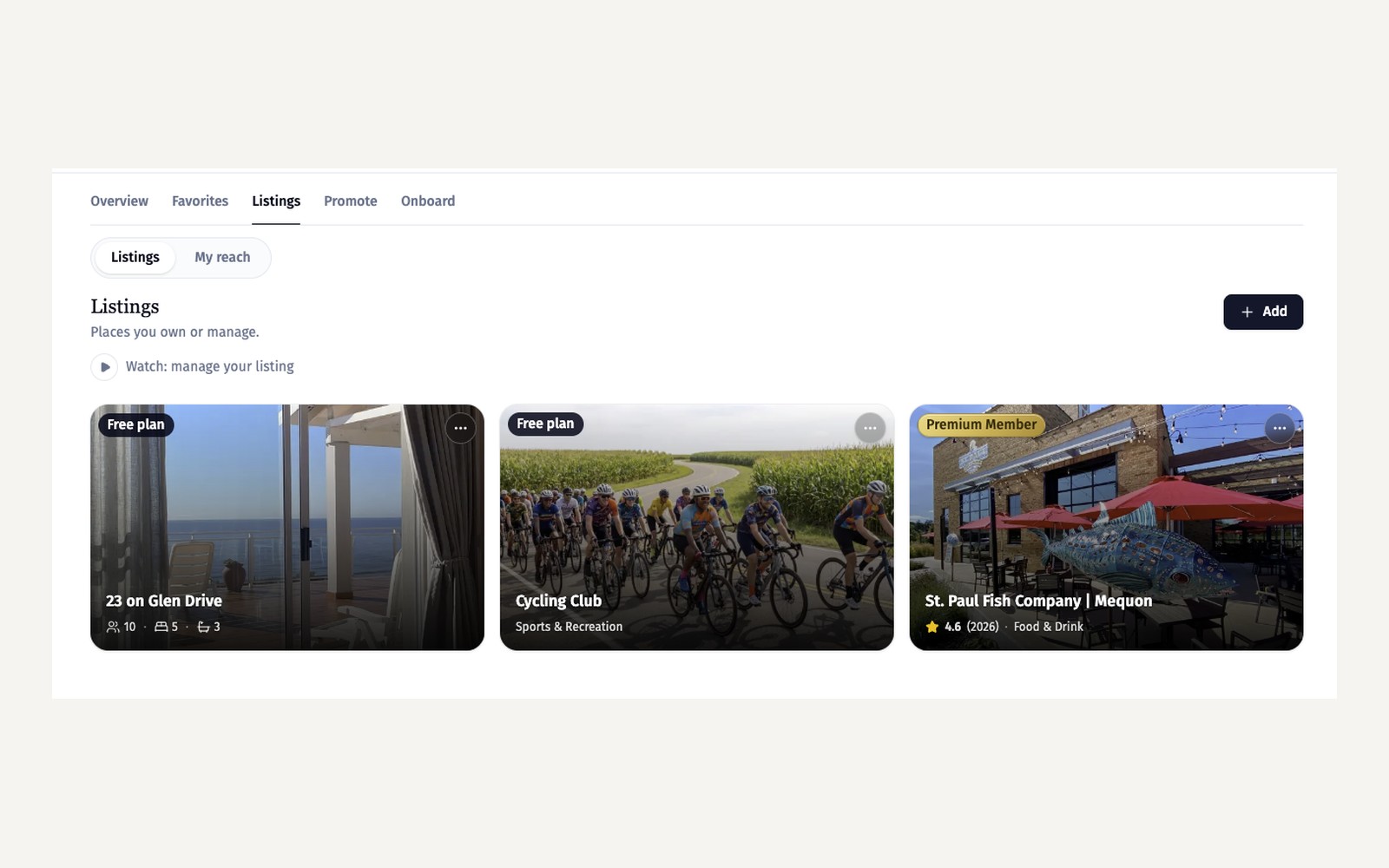
Messaging comes with a claimed listing; there's nothing to switch on. People see a Message button on your page, and their first message starts a private chat. Claim and enhance your listing walks through claiming.
For businesses
Write your welcome
For businesses
Write your welcome
The welcome message is the first thing they see, written in your voice. Leave it blank to use the standard welcome.
For businesses
Answering
For businesses
Answering
New messages arrive in your Chats on the Hire page (Inquiries in your Account opens the same place), and you keep the whole conversation in one place until the job is booked.