Events
Add an event
Add a one-off or recurring event, link venues and acts, and send visitors to your own ticket or payment provider.
Start here
Post once, seen everywhere
Start here
Post once, seen everywhere
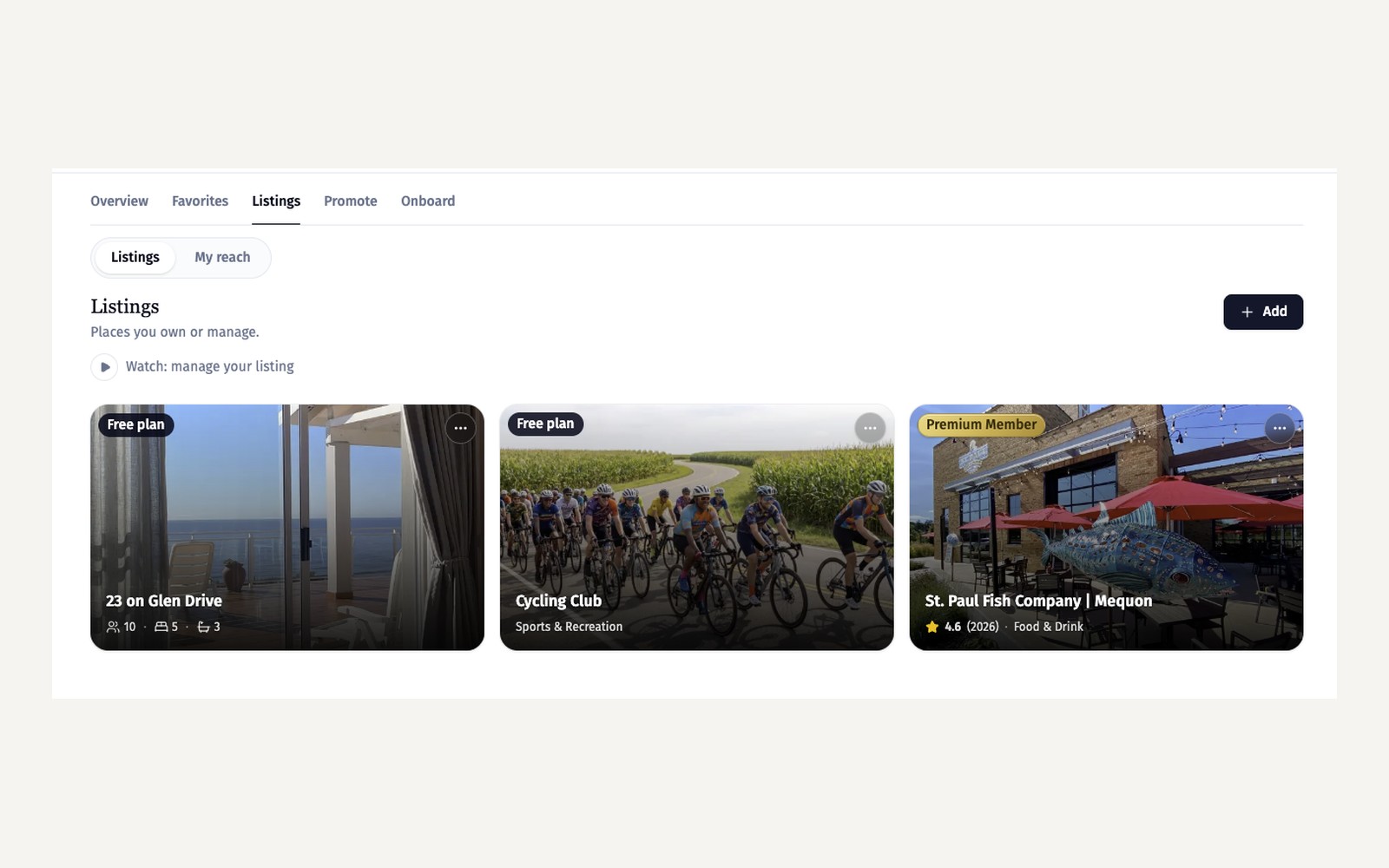
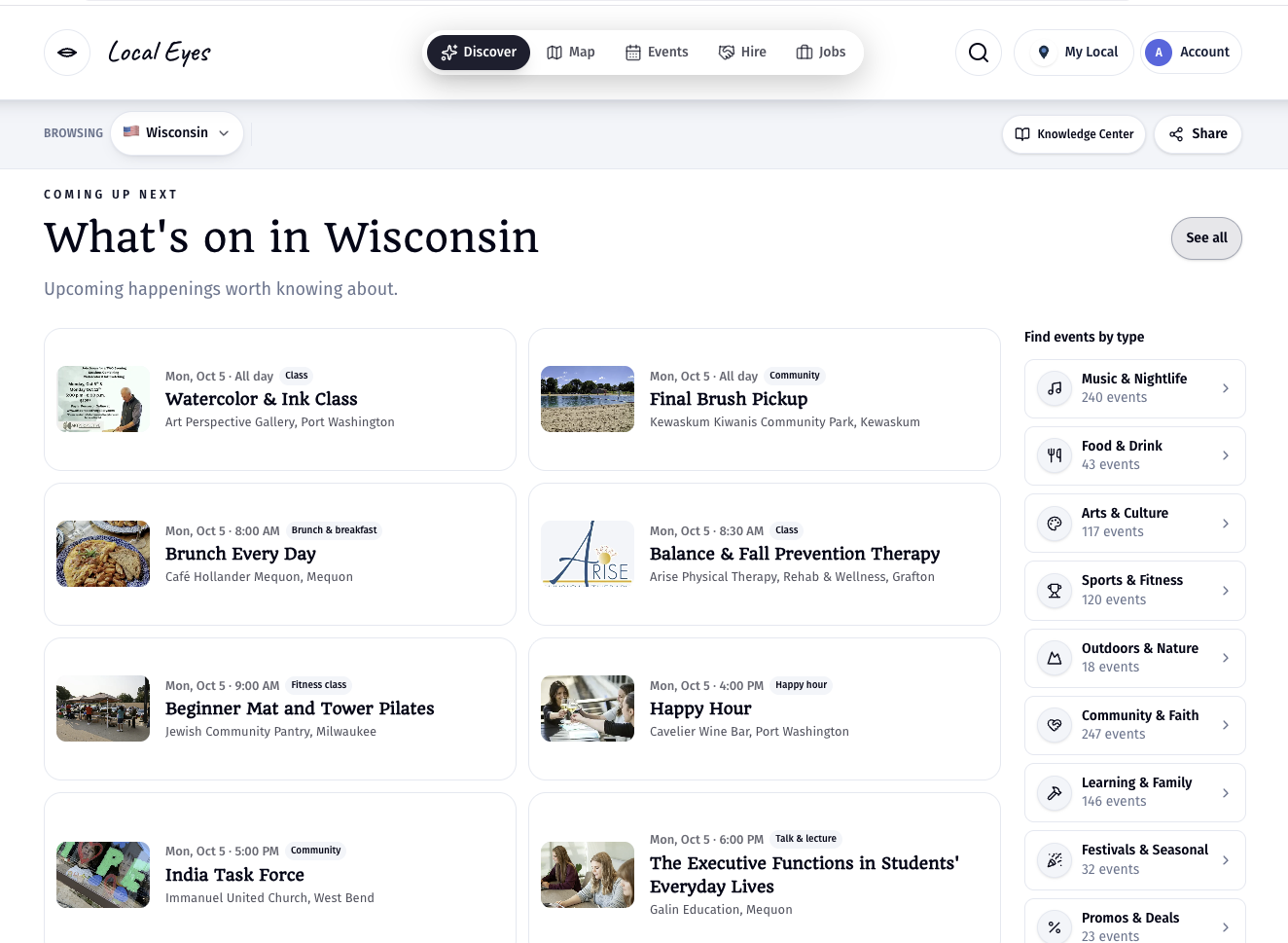
Add events from your claimed listing or a group you manage. An event on your page also appears in the town feed, on interest pages and in the weekly town email. New here? Start with Claim and enhance your listing.
- 1One-off or recurringChoose a single date or a repeating schedule like every Friday.
- 2Add from a link or posterAdd the details in your Events tab, paste a link to the event, or start from a photo of your poster.
- 3Give it a clear nameLead with what's happening, such as "Live Music with Monroe Band". The venue already shows underneath.
01 · Location
Every event has a real place
01 · Location
Every event has a real place
Each event carries a real address and map pin, so visitors get directions in one tap.
02 · Venues and acts
One event, both pages
02 · Venues and acts
One event, both pages
When a venue names the act, or a band names the venue, the event shows on both pages and both audiences see it.
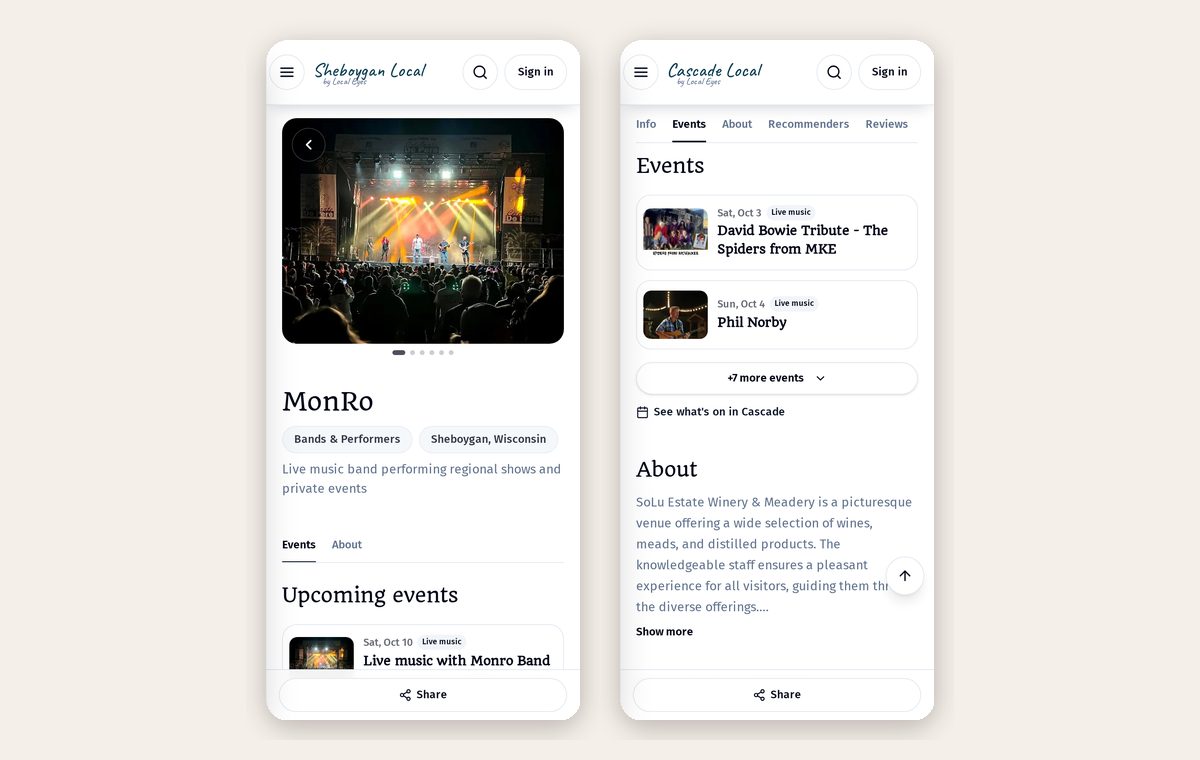
- 1Name the actFans of the band see the show too.
- 2Added by someone else?Your Events tab lists events others added you to, labeled "Added by".
- 3Not yours?Use "Remove me from this event" to unlink yourself.
03 · Tickets
Use the tools you already have
03 · Tickets
Use the tools you already have
Local Eyes doesn't sell tickets, so you keep the money and the relationship. Add a ticket link to any event.
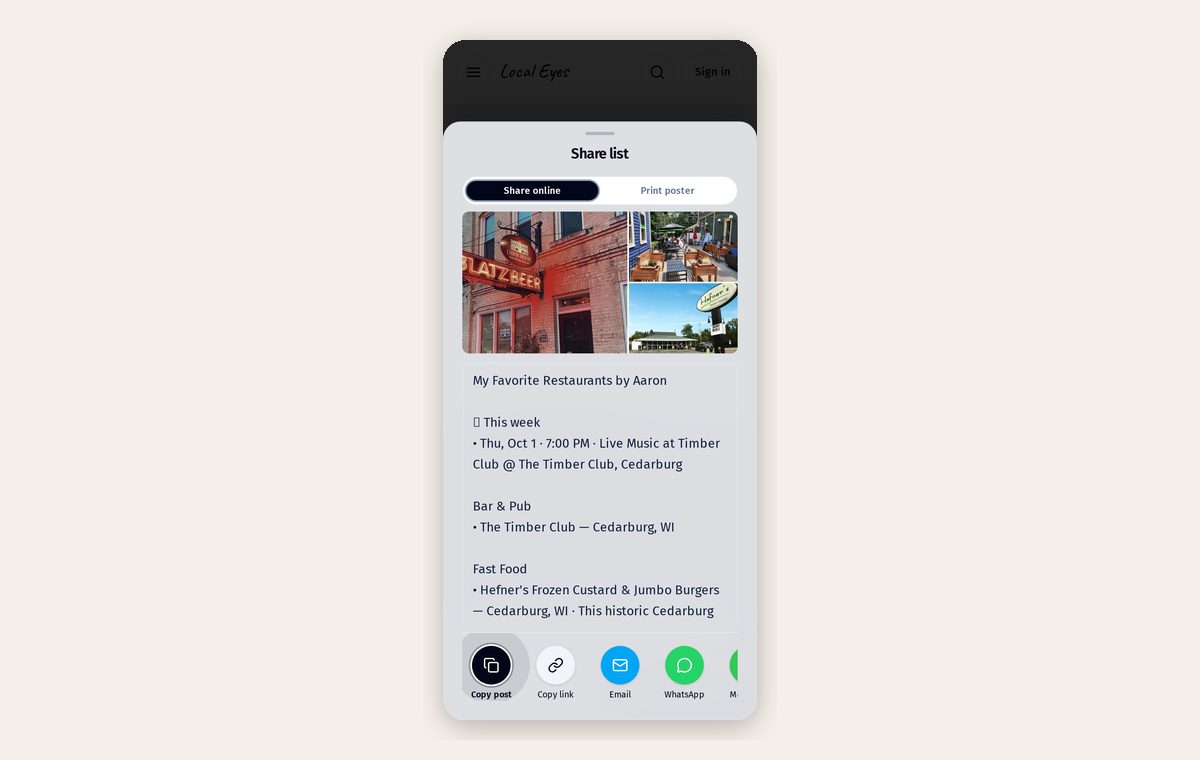
- 1Ticketing sitesEventbrite, Ticket Tailor or Humanitix links work as-is.
- 2Simple payment linksStripe Payment Links, PayPal, Square or SumUp for cover charges and pre-sales.
- 3Free eventsLeave it empty, or link to an RSVP form.
04 · Allowance
How many events you can run
04 · Allowance
How many events you can run
Your Events tab shows how many live events you're using against your membership allowance. A recurring schedule counts as one event, not one per date.
- 1Free listingsA small allowance so every claimed place can share what's on.
- 2MembersHigher allowances and priority placement in town feeds and interest pages. See Membership tiers and benefits.
- 3Ended eventsPast events drop off automatically and free up your allowance.
05 · Tips
Make each event work harder
05 · Tips
Make each event work harder
A few small details make the difference between an event people scroll past and one they save.
- 1Add a real photoA wide photo of the act, the room or last year's crowd beats a text-only poster.
- 2Say who it's forFamily-friendly, 21+, free entry, dog-friendly: one line answers most questions.
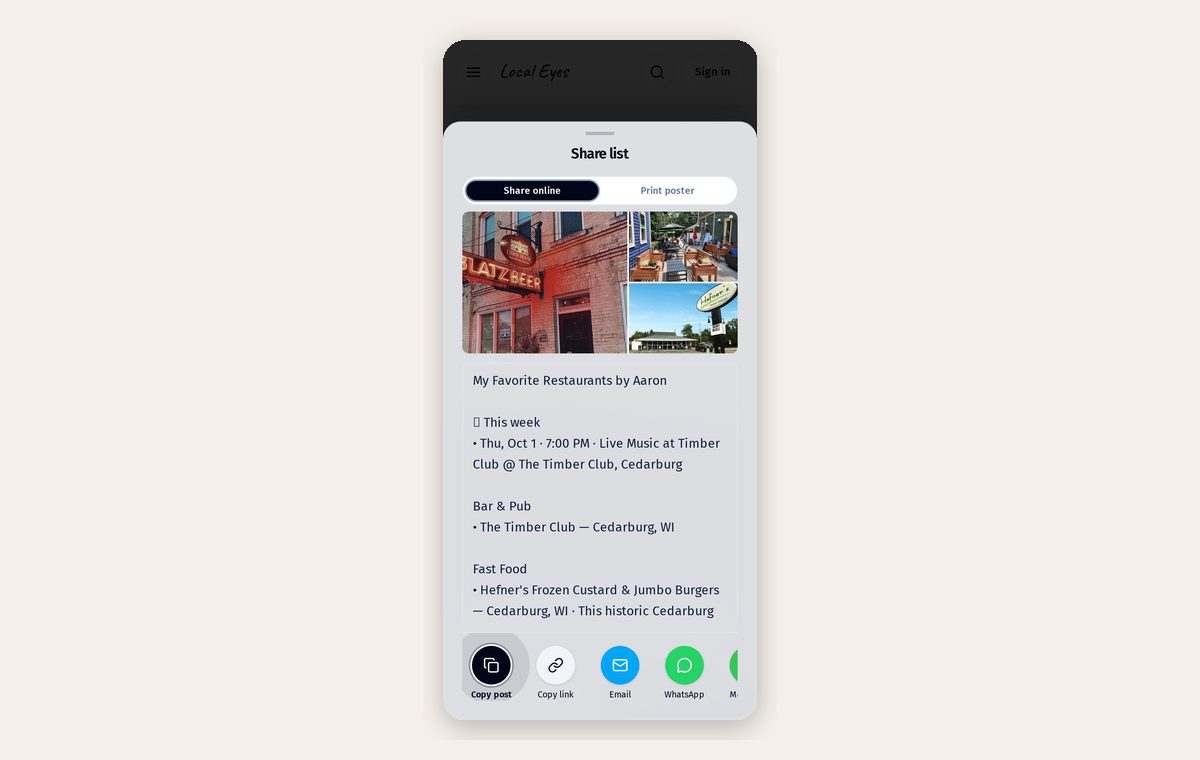
- 3Print a posterFrom the Events tab, print posters and table tents with a QR code that opens the event. How to share Local Eyes has more ideas.
- 4Share the linkEvery event has its own page; share it on social media and in your newsletter.
06 · Changes
Editing, pausing and removing
06 · Changes
Editing, pausing and removing
Change times, photos or details any time and the update appears everywhere at once. Skip a single date of a recurring schedule without deleting the series, or delete an event to remove it from every page.