For businesses
Booster Interviews: your story as a published guide
Booster turns a short conversation about your place into published guides that help you show up in search, AI answers and your town's Guides.

Start here
What a Booster Interview is
Start here
What a Booster Interview is
A short, guided conversation with Dee, our AI interviewer, about your place. Answer by voice or text; we transcribe it and write a polished guide in your own words. It appears on your listing and in the town's Guides section.
- 1About 5–10 minutesRoughly 400 words of answers is the sweet spot.
- 2Voice or textTalk it through or type, whichever is easier. Keep each spoken answer under 4 minutes.
- 3You approve itPreview the draft, edit the title, text and photos, then publish.
01 · Why
Why it matters
01 · Why
Why it matters
A real guide gives people more to find you by.
- 1SearchHelps you show up for what people actually search for in your town.
- 2AI answersGives ChatGPT and Google's AI something real to quote about you.
- 3NeighborsHelps locals get to know the people behind the place. Features in the town newsletter are coming soon.
02 · First steps
Start with the Introduction
02 · First steps
Start with the Introduction
Your first interview is the Introduction. Once you've finished it, every other topic opens up: repeat a topic or record your own subject. Each one becomes its own guide.
- 1Open the Booster tabIn your listing editor, choose Booster and press Get started.
- 2Pick a topicAfter the Introduction, choose A Perfect Day in Town or Your own topic.
- 3PublishReview the draft and publish. You can generate a new draft later; the link stays the same as long as you keep the title.
03 · Tips
Tips for a great guide
03 · Tips
Tips for a great guide
Aim for stories, not one-liners. Talk about how you got started, what you're proud of, a perfect day here, and the specific people, seasons and places you love. The more specific and honest you are, the more useful the guide is to someone deciding where to go.
04 · Topics
Topic ideas that work well
04 · Topics
Topic ideas that work well
After the Introduction, choose A Perfect Day in Town or Your own topic. If you go your own way, strong subjects are ones a visitor would actually search for.
- 1Your storyHow you started, who's behind it and what makes you different.
- 2A perfect visitWhat to order, when to come, where to sit, what to do nearby.
- 3Seasons and eventsWhat changes through the year: harvest, holidays, summer nights.
- 4Private eventsWeddings, parties and group bookings: spaces, capacity and how to inquire.
05 · Review
Before you publish
05 · Review
Before you publish
Your draft opens in a preview. A few quick checks make it ready to go live.
- 1Check the namesEvery place Dee heard is highlighted. Tap one to fix the spelling or link it to the right listing.
- 2Add photosChoose up to 3 guide photos; the first is the cover. See the Media guide for what works.
- 3Add your bylineEnter the name you want shown on the guide. You need one to publish.
06 · Where
Where your guides appear
06 · Where
Where your guides appear
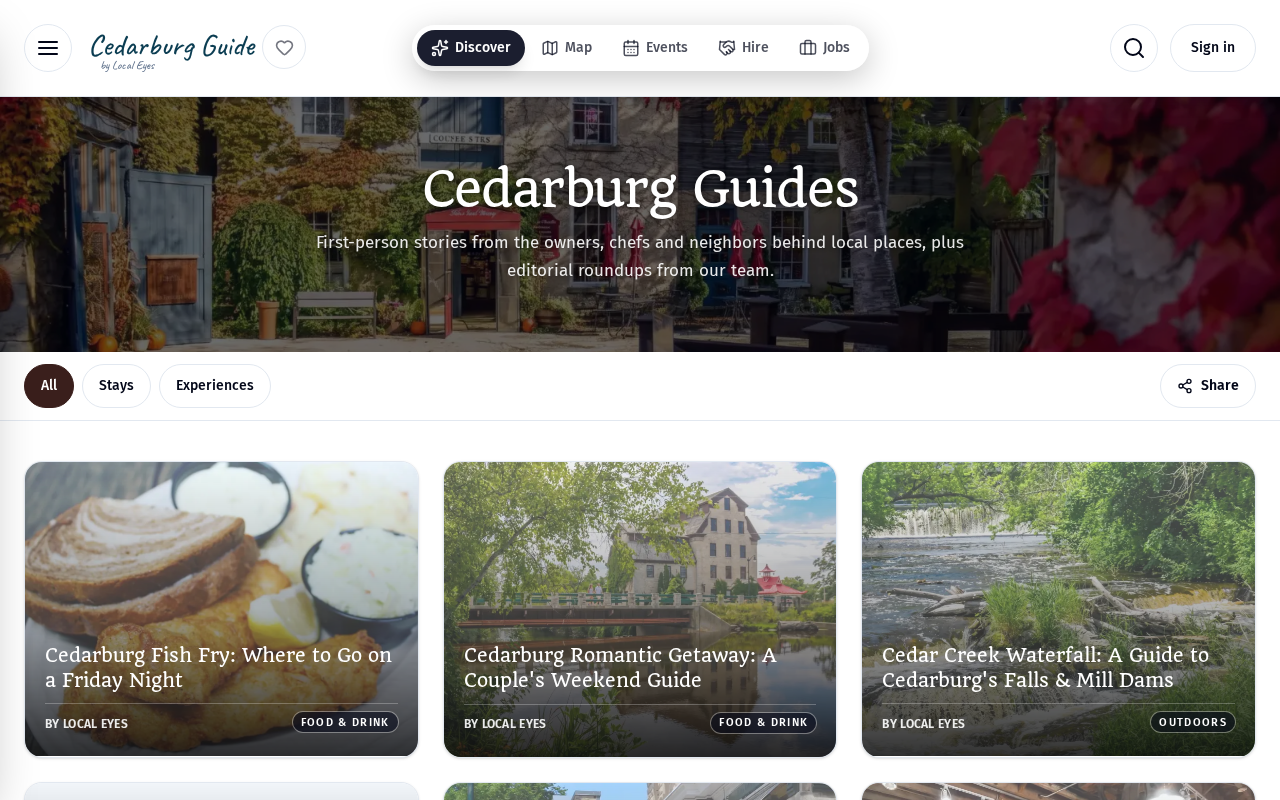
Each published guide gets its own page and is listed in your town's Guides, and your latest guide shows on your listing. Your guides can also appear on relevant interest pages; see Appear in interest guides. Features in the town newsletter are coming soon.
07 · Fresh
Keeping guides fresh
07 · Fresh
Keeping guides fresh
Generate a new draft whenever things change: new menu, new space, new season. Keep the title and the link stays the same, so anything you've shared keeps working. One fresh guide every few months keeps search engines and AI tools seeing you as active. Your Visibility reports show whether AI tools are picking you up.